You open a browser, play a song, or type a message. The computer responds almost immediately.
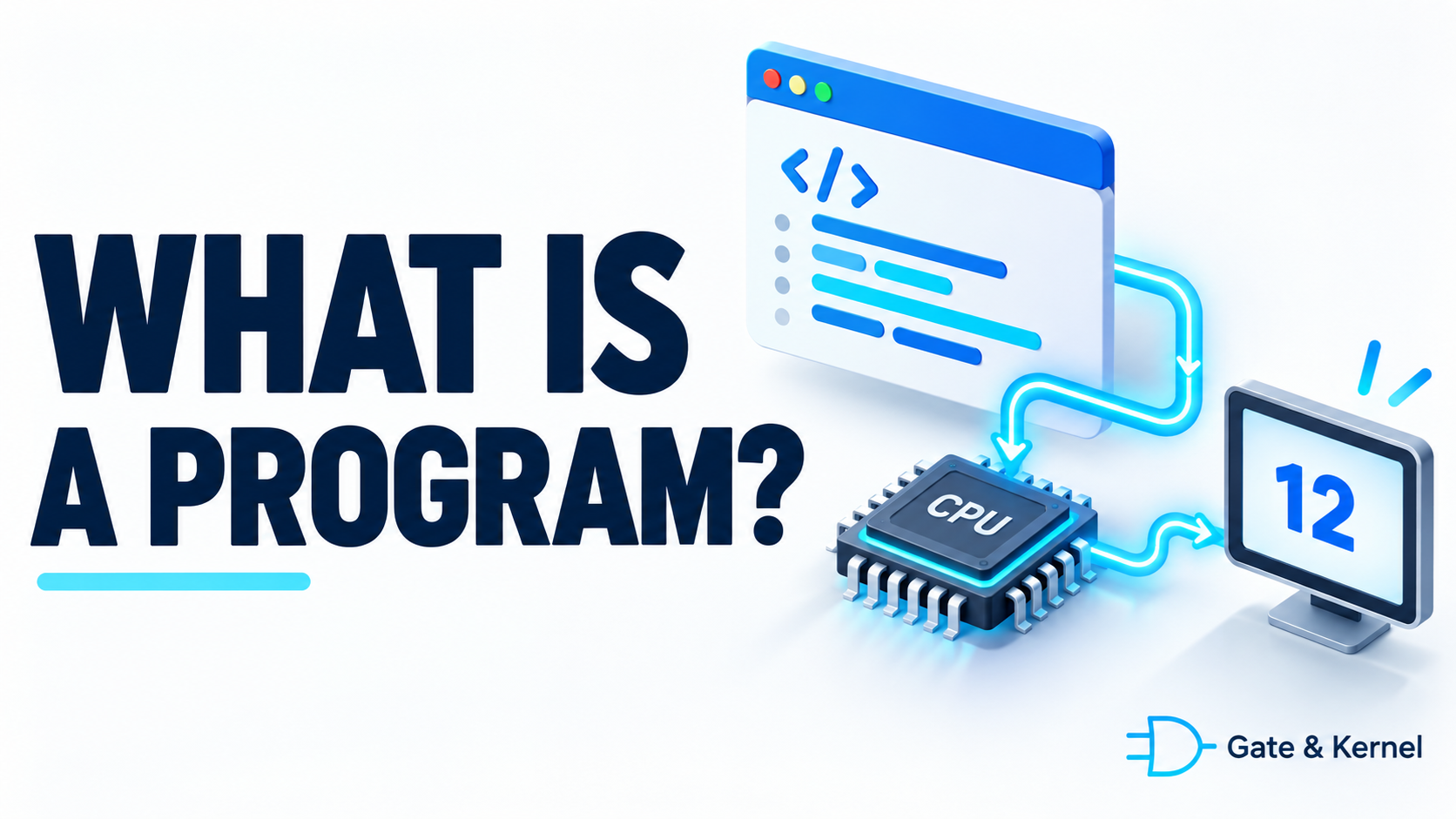
But what tells it how to do these things?
The answer begins with a computer program.
Welcome back to Gate & Kernel, where we explore how computers work, from digital logic to operating systems.
This is the first lesson in our programming fundamentals series. We will use C in later lessons, but today, you do not need to know any programming language. We will start with the basic idea behind every program: describing operations a computer can carry out.
1. What Is a Computer Program?
A computer program is a set of instructions expressed in a form that a computer system can execute.
To execute means to carry out those instructions. We also call this running a program.
A program might calculate a total, display a picture, process a keyboard input, or control part of a machine.
Some programs are small and perform a single task. Others contain many connected parts and support a wide range of activities.
A calculator program, for example, needs rules for accepting numbers, choosing an operation, and displaying the result.
A web browser has many more responsibilities. It receives information, interprets web pages, displays text and images, and responds to your actions.
Despite the difference in size, both rely on instructions that define what should happen.
Programming is the work of designing, writing, testing, and improving those instructions.
2. Hardware and Software
Before going further, we need two terms: hardware and software.
Hardware means the physical parts of a computer. These include the processor, memory chips, storage devices, keyboard, and screen.
Software includes programs and related resources, such as configuration information and supporting data.
A music player application is software. The speakers that produce sound are hardware.
The central processing unit, or CPU, is a processor that carries out machine instructions. These are basic operations encoded in a form the processor recognizes.
Memory, commonly called RAM, holds instructions and data that are actively being used.
Storage, such as a solid-state drive, keeps files and programs available when the computer is turned off.
These parts work together. Software specifies operations, while hardware performs the physical work needed to carry them out.
3. Instructions and Data
Programs work with data.
Data is information represented in a form a computer can store and process. It can include numbers, text, images, sound, and much more.
Consider a simple addition:
Seven plus five equals twelve.
The numbers seven and five are the input data. The instruction tells the computer to add them. Twelve is the result.
This gives us a useful distinction:
Instructions describe operations. Data supplies the values those operations work on.
For a music player, the instructions describe how to read and process audio information. The song supplies the data.
For a photo editor, the instructions describe editing operations. The photograph supplies the image data.
The same program can therefore produce different results when it receives different data.
A calculator does not need a separate program for every pair of numbers. The same addition operation can work with many different inputs.
4. Input, Processing, and Output
Many programs can be understood through three ideas: input, processing, and output.
Input is information a program receives.
Processing is the work the program performs on that information.
Output is information or a result the program produces.
Imagine a program that calculates the total price of several identical notebooks.
The user enters the price of one notebook and the number of notebooks.
Those values are the input.
The program multiplies the price by the quantity.
That multiplication is the processing.
The program displays the total.
That is the output.
Input does not always come from a keyboard. It can come from a file, a sensor, a network connection, or another program.
Output does not always appear on a screen. A program might save a file, send a message, produce sound, or issue a command to a device.
Some programs process one request and finish. Others continue receiving input and producing output for as long as they run.
5. A Program Needs Precise Steps
People often communicate using incomplete instructions because we can fill in missing details.
If you tell someone to calculate a shopping total, they probably understand that the prices should be added.
A program needs those operations to be specified.
For our notebook example, we could describe the steps like this:
- Obtain the price of one notebook.
- Obtain the quantity.
- Multiply the price by the quantity.
- Display the result.
This plain-language outline describes the intended procedure.
A defined procedure for solving a problem is called an algorithm.
An algorithm describes how to perform a task. A program expresses the procedure in a programming language, together with the details needed to make it work.
For example, the finished program also needs to handle how the user enters information and what happens if the input is invalid.
Before writing code, it helps to ask: what information do we have, what result do we want, and what steps connect the two?
6. Programs Can Make Decisions
A program does not always carry out exactly the same operations.
It can choose what to do based on a condition. A condition is a test whose result determines which action follows.
Suppose our notebook shop offers free delivery when the total reaches fifty dollars.
The program could follow this rule:
If the total is at least fifty dollars, the delivery charge is zero. Otherwise, add a delivery charge.
This is a conditional decision.
The program checks the total and follows the appropriate path.
The same idea appears in many everyday programs.
A login system checks whether access requirements are met. A game checks whether a player has enough points to move forward. A temperature controller checks whether the temperature is below a chosen value.
When we say that a program makes a decision, we mean that it evaluates a condition and follows the rules defined for the result.
7. Programs Can Repeat Work
Computers are useful partly because they can repeat operations quickly.
A loop is a programming structure that repeats a set of operations.
Imagine calculating a shopping total for one hundred different items.
Writing a separate addition step for every item would be cumbersome. Instead, the program can repeat a general procedure:
- Start with a total of zero.
- Take the next item’s price.
- Add that price to the total.
- Repeat until there are no items left.
- Display the total.
Each repetition performs the same kind of work using a different price.
Loops can repeat a fixed number of times, continue while a condition is satisfied, or keep running until something tells them to stop.
A program that monitors a sensor, for example, may repeatedly obtain a reading and check its value.
Sequence, decisions, and repetition form a foundation for describing many useful tasks.
Sequence simply means carrying out operations in an order.
8. What Is a Programming Language?
A programming language is a formal language used to express programs.
Examples include C, C++, Python, and Java.
Each language has rules for how programs are written. These rules are called syntax.
Just as punctuation and word order help structure a sentence, programming syntax helps define the structure of code.
The text a programmer writes is called source code.
Here is a small piece of C source code:
int total = 7 + 5;You do not need to memorize it yet.
For now, read it as: calculate seven plus five and use the result to initialize an integer variable named total.
An integer is a whole number, such as seven, zero, or negative three.
A variable is a named place for holding a value in a program.
The name total lets later code refer to that value. The semicolon marks the end of this statement.
A statement is a unit of code that specifies an action or declaration.
This line is only part of a program, but it shows how a programming language lets us express an operation precisely.
9. How Does Source Code Become Something a Computer Can Run?
A processor does not directly execute C source text as written.
Software tools translate and prepare it for execution.
A compiler is a program that translates source code into another form. In a typical C development process, the compiler produces machine code in an intermediate file.
Machine code is the encoded form of instructions a processor can execute.
A linker then combines the necessary compiled pieces and connects references between them to help produce an executable program.
An executable file is a file prepared in a format that an operating system can load for execution.
We will examine this process in a later lesson. For now, the important relationship is that programmers write source code, and tools turn it into a runnable form.
Different languages and implementations use different approaches. Some rely on an interpreter, a program that carries out operations described by code. Others combine interpretation and compilation.
Also, one source-code statement does not necessarily become one machine instruction. The tools may translate it into several instructions or simplify the work before the program runs.
10. What Happens When You Run a Program?
A program stored on a drive is not the same thing as a program currently running.
When you start an application, the operating system prepares an execution environment for it.
An operating system is system software that manages computer resources and provides services to programs. Windows and Linux are examples.
A running instance of a program is called a process.
The system arranges memory for the process and gives it opportunities to use the CPU.
As it runs, the program works with data and follows its instructions. It may also request operating system services, such as reading a file or receiving network information.
You can start the same program more than once. Separate running instances can work with different data.
For example, two instances of a small calculator program could perform different calculations even though they came from the same executable file.
We will return to processes and operating system services after building our programming foundations.
11. What Happens When a Program Is Wrong?
A program can contain mistakes. A software defect is commonly called a bug.
Some mistakes break the language’s rules. A compiler can detect many of these and report that the code needs correction.
Other mistakes allow the program to run but produce the wrong result.
Suppose our notebook program adds the price and quantity instead of multiplying them.
With a price of four dollars and a quantity of three, it would calculate seven instead of twelve.
The operation is valid, but the logic is wrong.
A logic error is a mistake in the procedure or reasoning expressed by the program.
Programs can also encounter problems during execution, such as a missing file or invalid input.
Testing means running checks to see whether a program behaves as expected.
Debugging means investigating and correcting defects.
Writing a program therefore involves more than making the code run. We must also check that it performs the intended task and handles relevant situations correctly.
12. A Small Exercise: Describe a Program Before Writing Code
You can begin practicing programming ideas without learning syntax first.
Imagine a program that compares two numbers.
Its task is to report which number is larger, or say that they are equal.
Think through three questions:
- What input does it need?
- What decisions must it make?
- What output should it produce?
It needs two numbers as input.
It first checks whether the first number is larger than the second. If so, it reports the first number as larger.
Otherwise, it checks whether the second number is larger. If so, it reports the second number as larger.
If neither number is larger, it reports that they are equal.
Try the procedure with eight and three, then three and eight, then five and five.
These examples check all three possible outcomes.
You have now described a simple algorithm and selected a few tests. Later, we will express this same kind of reasoning in C.
13. Conclusion
A computer program describes operations that a computer system can carry out.
Programs work with data, follow sequences, evaluate conditions, and repeat tasks.
Programming languages let us express those operations as source code. Compilers, interpreters, and other tools help make that code run.
Creating a useful program involves understanding the task, describing precise steps, writing the code, and checking the results.
You do not need to understand every layer of a computer before you begin. Start with a small problem, identify the input and output, and explain the steps clearly.
In the next lesson, we will introduce C: what kind of language it is, what it is used for, and why we will use it throughout this series.